

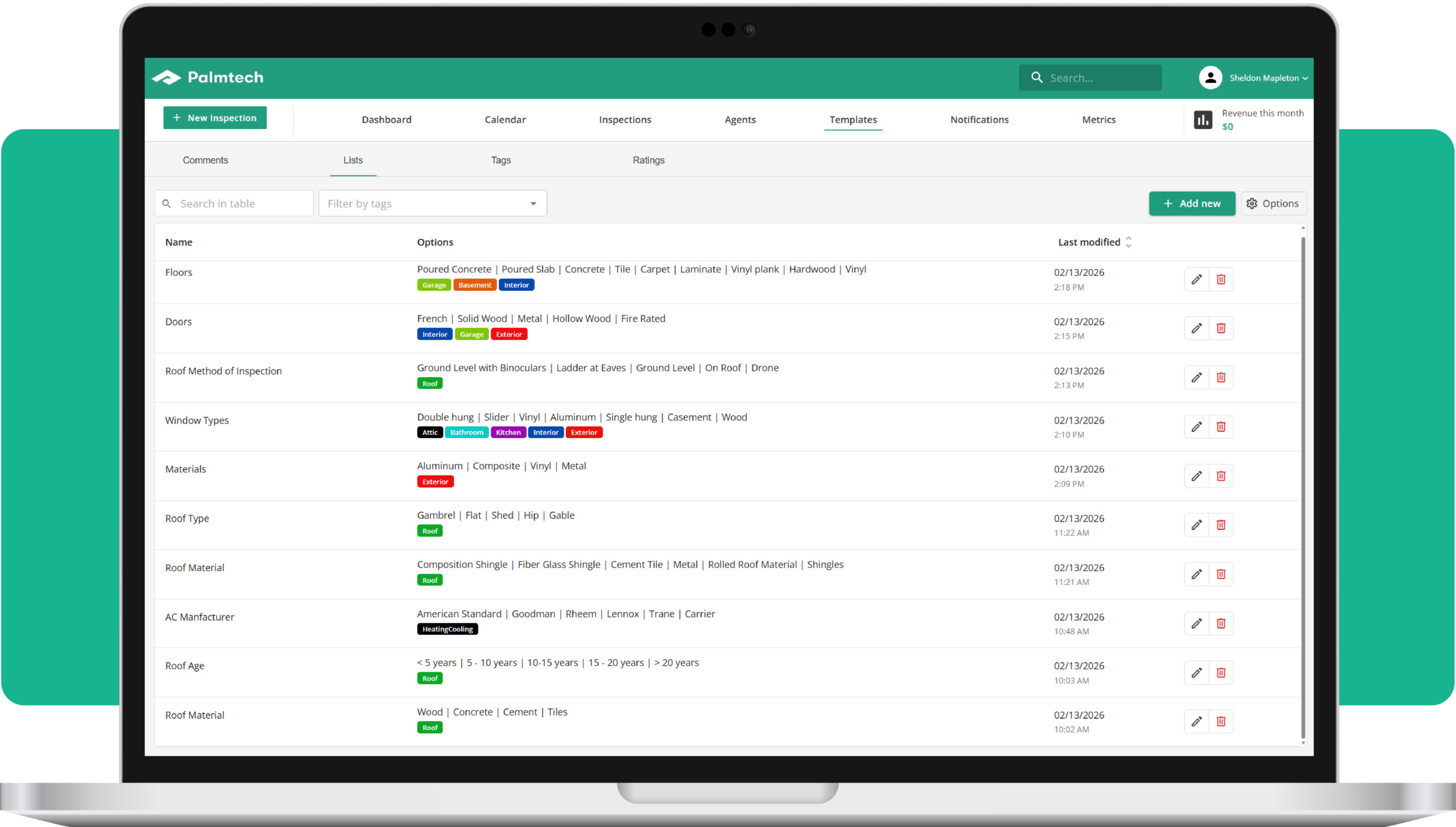
Does your home inspection software force you to make constant, manual updates to your templates?
A new feature in Palmtech – Global Lists – gives inspectors a smarter, more scalable way to manage the dropdown options that appear across your templates.
Efficiency, centralized
We get you’re probably accustomed to using checkbox descriptions in Palmtech, but as you may have noticed, we recently introduced the ability for inspectors to use drop-down lists when adding a narrative comment. Now, we’ve made them re-usable across all aspects of your reports.
Whether it’s a specific list of roofing materials or common HVAC defects, you likely use the same descriptions across multiple templates. In the past, changing one item meant hunting it down and editing it in every single template. With Global Lists, you create a master list once. When you update it in your settings, that change is automatically reflected across every template in your library.
Why Global Lists matter
- Update once, sync everywhere: Add or edit a list item in one central place and it’s live across all your Palmtech templates
- Rock-solid consistency: Ensure every report – regardless of the template used – features the same professional, standardized language
- Instant template setup: Skip the manual work by simply linking your existing global lists when building a new specialized template
The latest version of Palmtech – Palmtech 11 – is designed to be the most versatile tool in your kit. Global Lists is the next step in helping you spend less time on admin and more time on the job.
Start your free Palmtech trial to see how Global Lists speed up your report writing.