

Home inspection software doesn’t stop working when the inspection ends. That’s when your report takes over. It’s what clients open, save, share, and remember. Before they read a single finding, they react to how it looks.
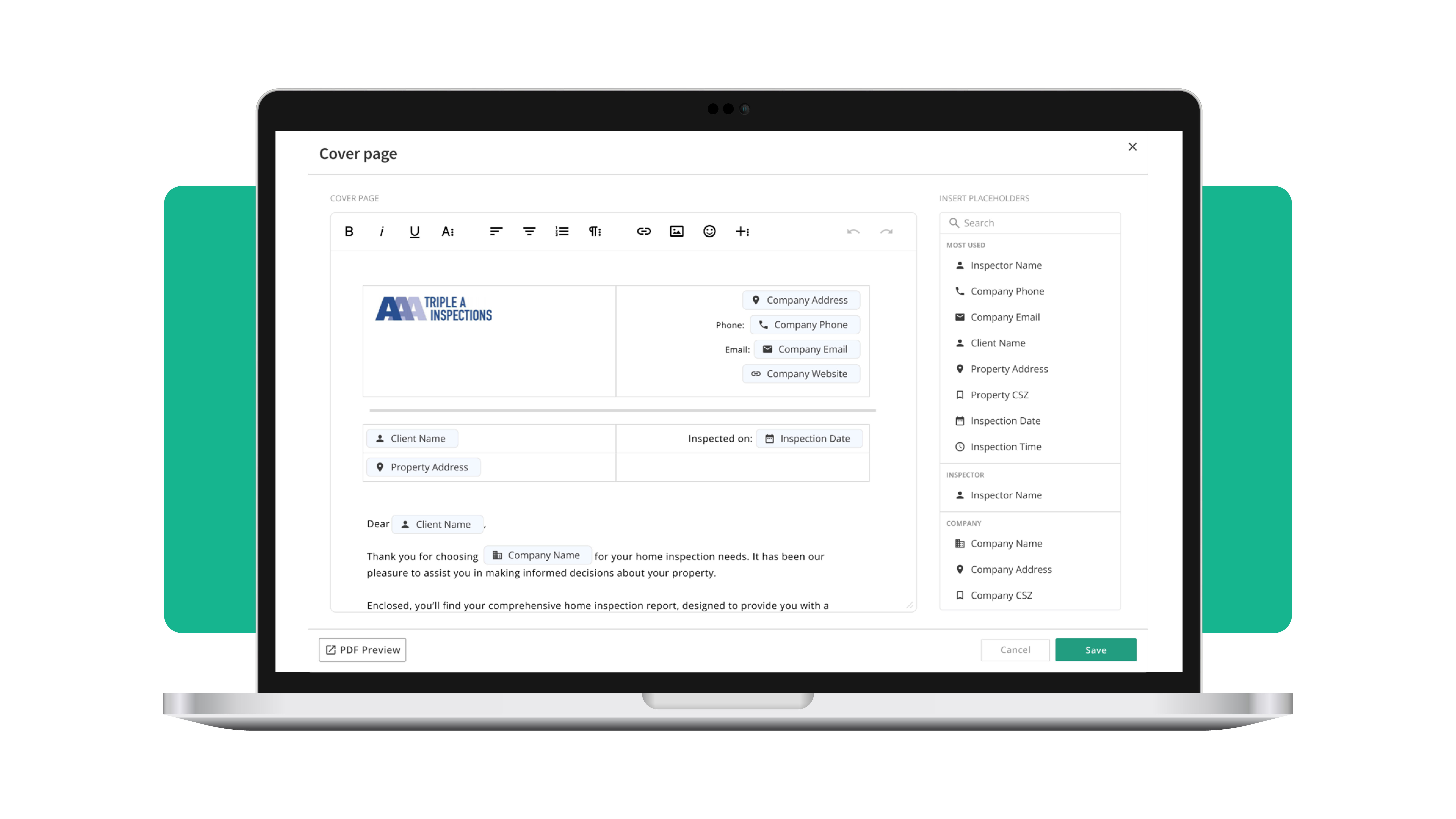
Palmtech brings that moment into focus. With custom cover pages, now available in Palmtech 11, your inspection reports start strong. They add personality, professionalism, and polish right from page one, without slowing down report writing.
Why customization matters for new inspectors
When you’re building or growing your inspection business, small details carry real weight. Reports are part of your brand. Home inspection software that supports customization helps your work look intentional, clean, and credible.
Custom cover pages make it easy to showcase your brand
Add your logo, contact info, license details, and brand colors to every report. Professional? Check. Memorable? Double check.
Save time, look good
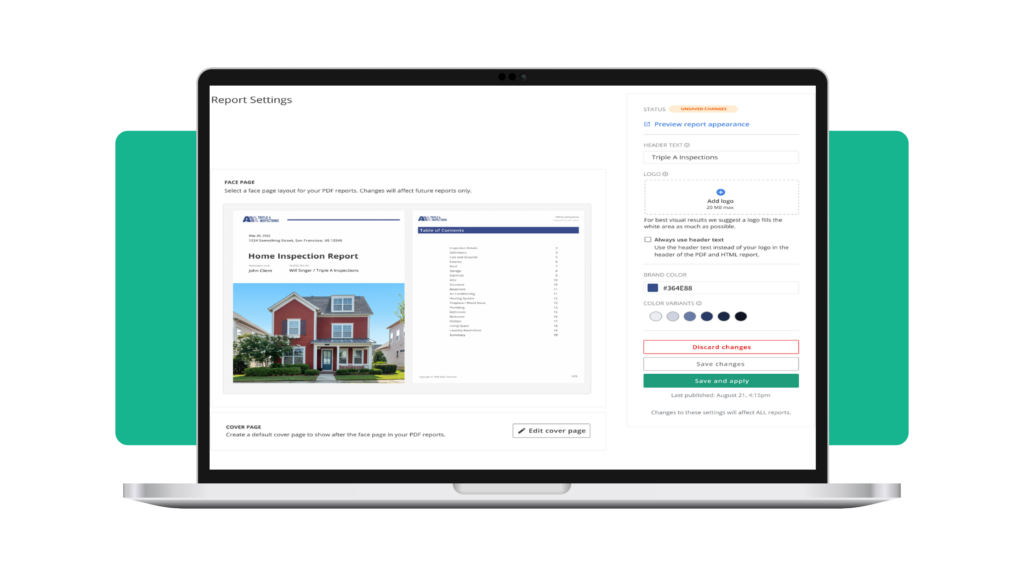
Set it up once, and your custom cover page works its magic on every report without extra effort from you.
What makes custom cover pages so powerful in Palmtech 11
Palmtech 11’s custom cover pages aren’t just a pretty face – they’re packed with features designed to make your life easier and your reports more impressive:
Global cover pages
Create one sleek, professional cover page, and it’ll apply across all your templates and reports. No more tweaking every single template.
Advanced editing tools
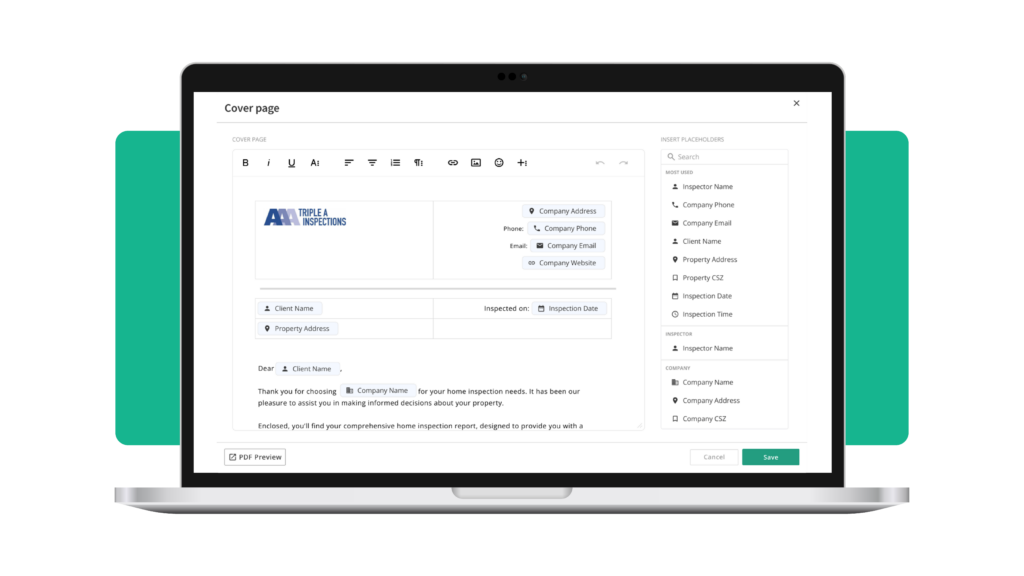
Use advanced HTML editing capabilities to design and customize your cover page layout.
Custom variables
Personalize every report automatically with easy-to-use placeholders like InspectorName, InspectionDate, or LicenseNumber. Your reports stay tight without extra effort.
Seamless integration
Your custom cover page gets automatically added to PDF reports, so your branding is always front and center.
Preview before you send
Double-checking your work beats finding out later – so preview your cover page right in the report to make sure it’s perfect
With these features, custom cover pages don’t just enhance your home inspection reports – they streamline your workflow and give your business a professional edge.
Stand out where it counts
Let’s face it: most inspection reports look the same. But with custom cover pages, yours can break the mold. Adding a professional touch doesn’t just make you look good – it makes your clients feel confident they’ve chosen the right inspector. When you leave a great impression, referrals are bound to follow!
Curious how Palmtech 11 custom cover pages work in real reports? Start a free trial today.